
Proxy Switch Ultimate Proxy Manager is a Google Chrome Plugin offered by Proxy-Hub.com that you can use to manage proxies in the browser.
Download Now for Free
User Guide for the Extension.
- Proxy Manager
- Cleaner
- Site Blocker
- By-Pass List
- Data Saver
1: Proxy Manager
1. After installing chrome extension you will see a plugin icon on top right corner in chrome click on it and it will pop up in chrome proxy changer plugin setting look like this:
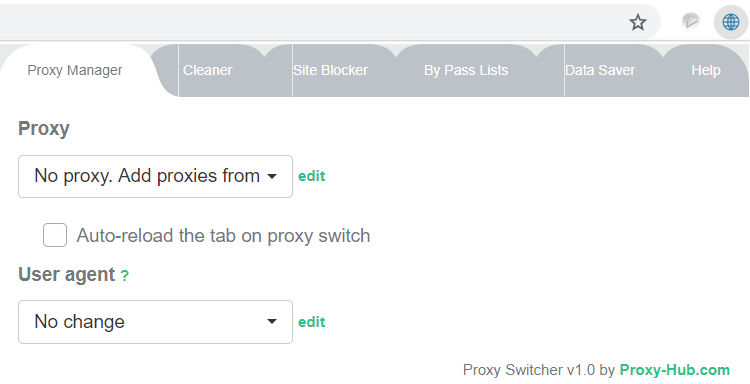
Here you can view your Proxy list & Users agents.
2. Click on proxy manager tab on it and then edit on proxy dialog.
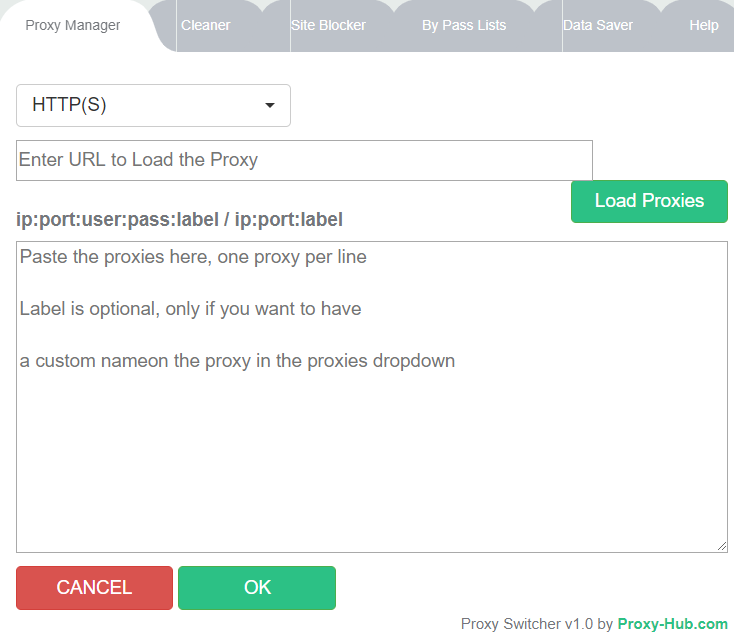
3. Here you select proxies types HTTPS.Sock4 or Sock5 any we are providing HTTPS proxies only.
4. In second dialog box 'Enter URL to load Proxy' you can past API URL (example:https://panel.proxy-hub.com/in...)here to fetch current active proxies from Proxy-hub or you can copy past proxies from the list here ,one proxy per line with credential, you can also define and name on each proxy on it example:
You can change proxies by keyboard keys shortcut which is it " Ctrl + Shift + 0 ''
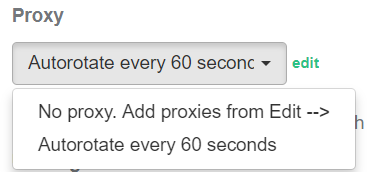
5. After load proxies you can rotate proxies in every 60 sec by click on Auto-rotate every 60 seconds.it will change proxies automatically after 60 seconds.
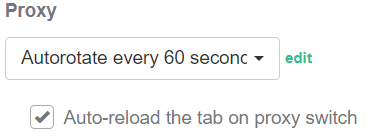
6. You can change proxy on every tabs also by check this dialog box.
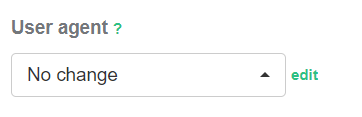
7. You can change user agents by selecting any from describe list or you can upload it by click edit and load you desire user agents.
2. Cleaner
Here you can clean selective browser data or all on each time proxy change.
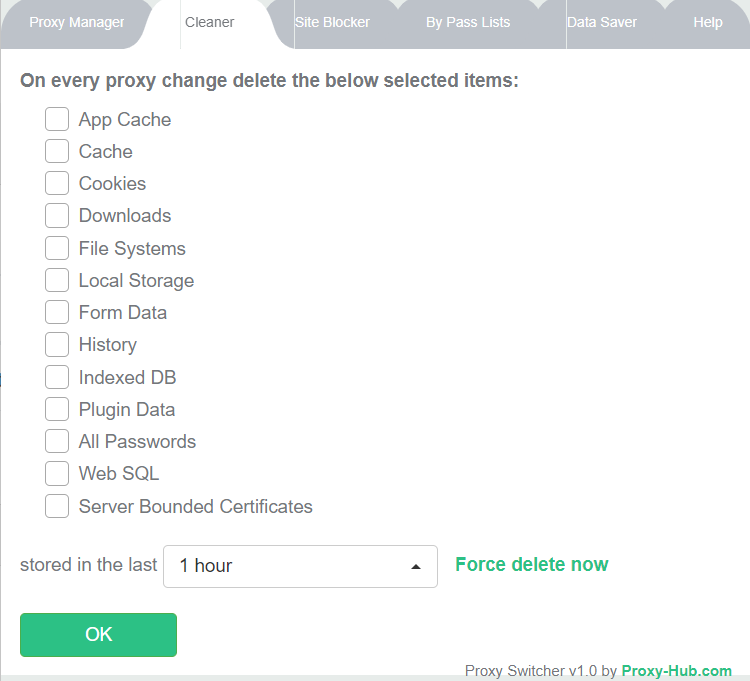
You can also define time period to stores data and then delete it auto.
3. Site Blocker
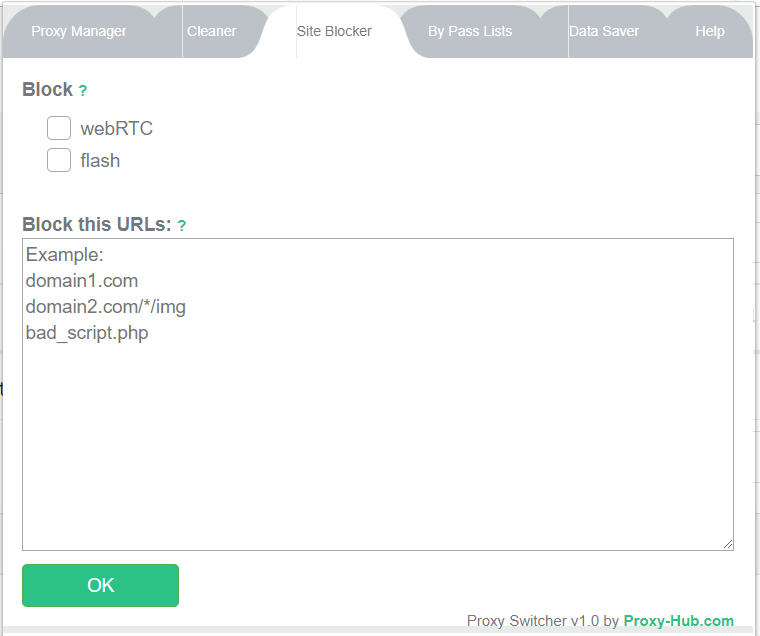
You can block webRTC and Flash file or block any sites you want.
4. ByPass list
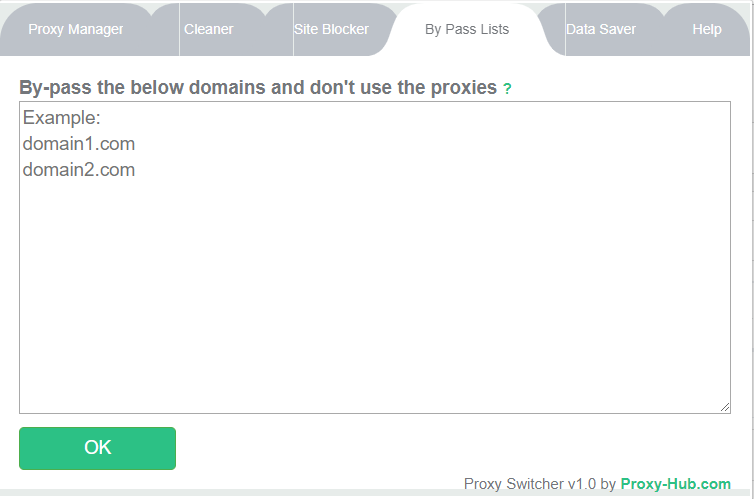
By-Pass Lists you can bypass any urls you want not to use proxies on it.
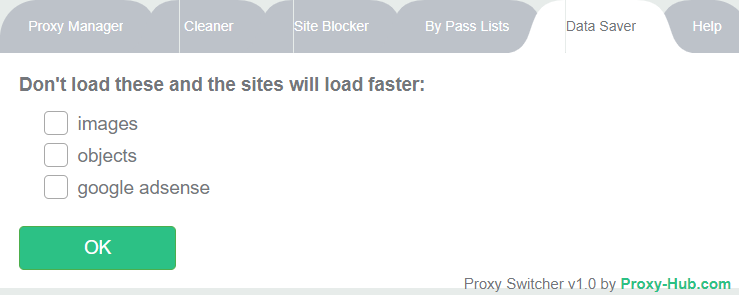
5. Data Saver
Data Saver you can block images,objects & Google ad-sense not to load on proxies to work fast & save bandwidth.
If you want to buy private proxies buy from here.